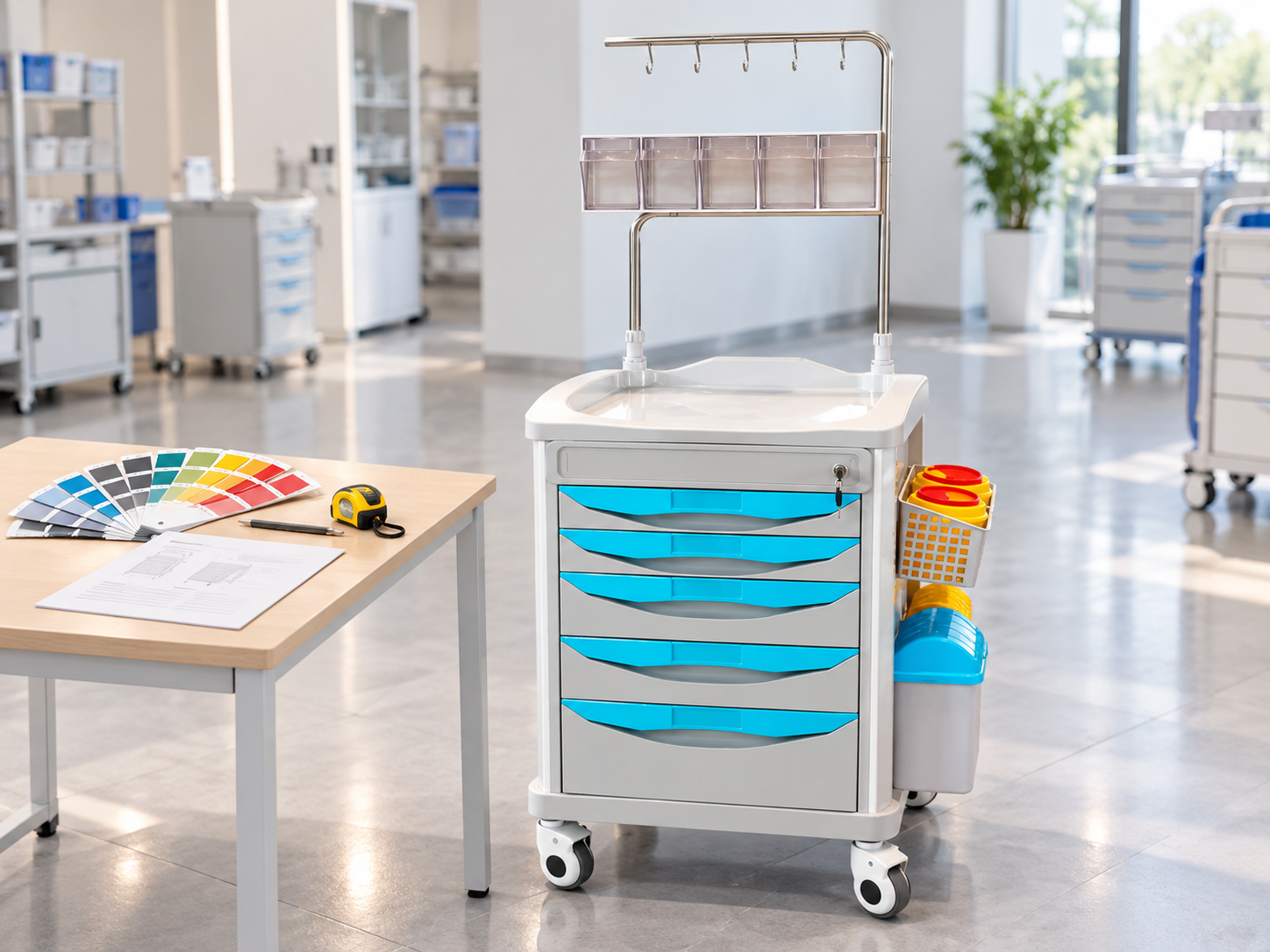
OEM Crash Carts: What Can Buyers Customize?
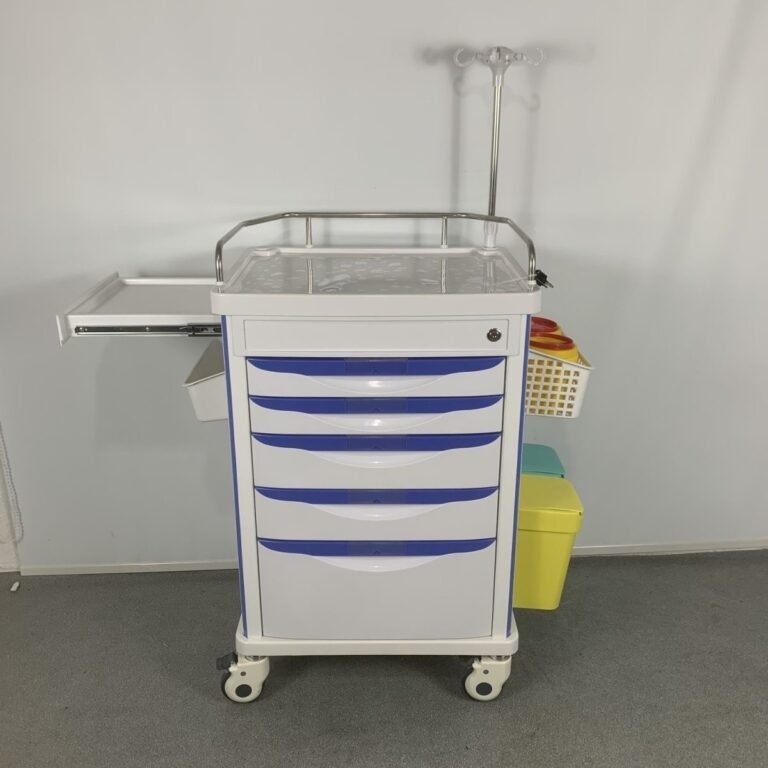
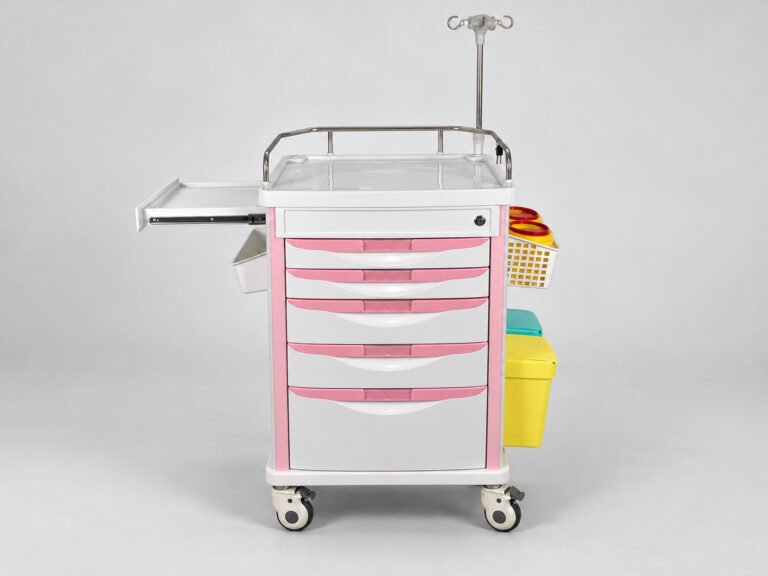
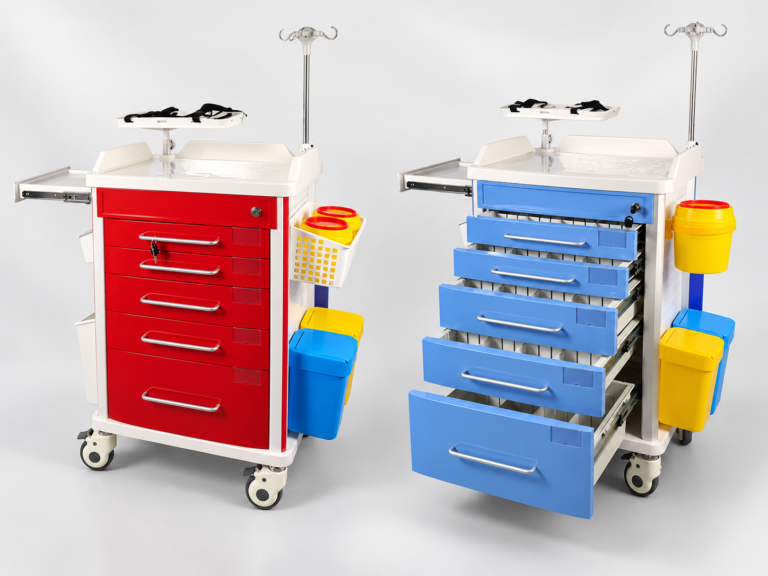
Buyers may customize an OEM crash cart with a logo, colors, drawer options, and accessories. What can be changed depends on the model and supplier. Changes to the body, drawer structure, or mounting points need a separate review.
A clear request helps buyers confirm what can be made, what it will cost, and what needs approval before production. This guide explains the options, limits, and steps involved.
If you are new to emergency carts, read our guide What Is a Crash Cart?.
What Does OEM Mean for a Crash Cart Order?
OEM stands for original equipment manufacturer. In an OEM arrangement, a supplier makes a product for another company, often to that company’s agreed needs.
ODM stands for original design manufacturer. An ODM supplier also provides the product design, which may be sold under the buyer’s brand.
Suppliers may use these terms in different ways. Buyers should confirm who provides the design and which changes are included. Adding a logo does not explain the full scope of an order.
Ask these questions early:
- Who provides the base design?
- Which changes are included in the quote?
- Are new drawings or parts needed?
- Who controls the design files?
- Which version will be used for repeat orders?
For broader purchasing advice, see our hospital crash cart buying guide.
Three Levels of OEM Crash Cart Customization
“Custom” can mean a small change or a new design. The table below separates three common types of work.
This is a practical buying framework, not an official industry classification.
| Level | Example request | What buyers should confirm |
|---|---|---|
| Configuration | Choose compatible drawers, dividers, or accessories | Whether the options fit the existing model |
| Branding | Add a logo, label, or available color | The location, reference, method, and approval needed |
| Structural changes | Change the body, drawer structure, or mounting points | Whether new parts, tooling, drawings, or checks are needed |
Start with the existing model closest to the project’s needs. If its available options meet the requirements, a new design may not be needed.
Ask the supplier which requests fit the current model and which need further work.
What Details Should Buyers Provide for Each Custom Change?
A request such as “make it suitable for our hospital” leaves too much open. Each change needs clear details.
Logo and Labels
Send the logo file, size, and intended location. State which part should carry the logo. If there is a preferred method, include that too.
The supplier should confirm:
- Which methods suit the selected surface.
- Whether the requested size and position are possible.
- What artwork or sample needs approval.
- Whether the label could cover important product information.
An artwork proof can show size and placement. It does not show how well a printed logo or label will last on the cart.
Colors and Finishes
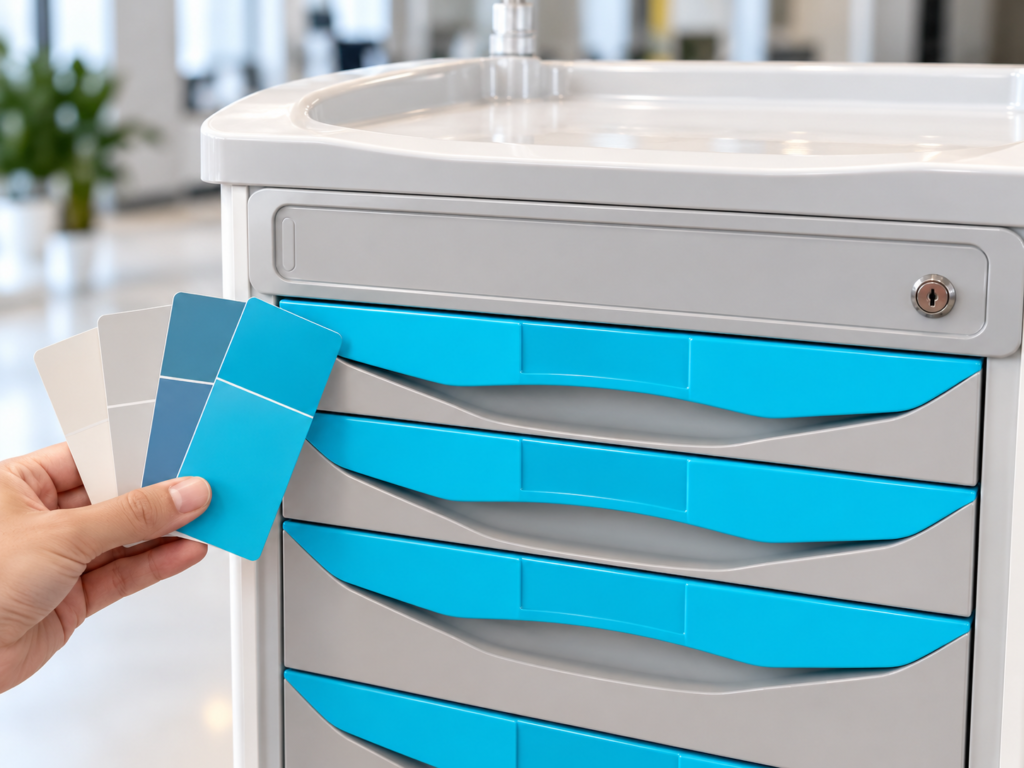
Name the parts that need a different color. The drawer fronts, handles, body panels, and frame may use different materials.
Provide a color code and, where needed, a physical reference sample. Also agree on the finish, such as smooth, textured, or glossy.
The same color reference can look different on plastic and coated metal. A screen photo should not be the only basis for approval.
X-Rite explains how texture and gloss affect color appearance. These details matter when comparing a color reference with the finished cart.
Ask the supplier how the color will be checked. Where appearance matters, agree on an acceptable range of color variation.
A custom color may also affect order quantity, charges, and timing. Confirm these points before approving it.
Drawers and Dividers
State the required number of drawers, their usable sizes, and any divider or tray needs.
The supplier must check whether the base model supports the layout. Drawer changes may affect the frame, slides, and locking system. They are not always simple swaps.
Confirm the usable space inside each drawer. The correct drawer count does not guarantee that the required items will fit.
Keep the final drawer layout in the approved specification.
Accessories and Mounting Positions
“Add a defibrillator shelf” is an incomplete request.
Send the device model, dimensions, weight, and mounting needs. State where it should sit on the cart. Photos or drawings can help explain the request.
The supplier should assess:
- Whether the device fits the shelf or holder.
- How it will be secured.
- Whether the mount can support the intended load.
- Whether the position affects balance.
- Whether it blocks drawers, handles, or other accessories.
A shelf that fits the device may still be in the wrong position. Confirm both the fit and the layout.
Can Buyers Change the Cart Dimensions or Structure?
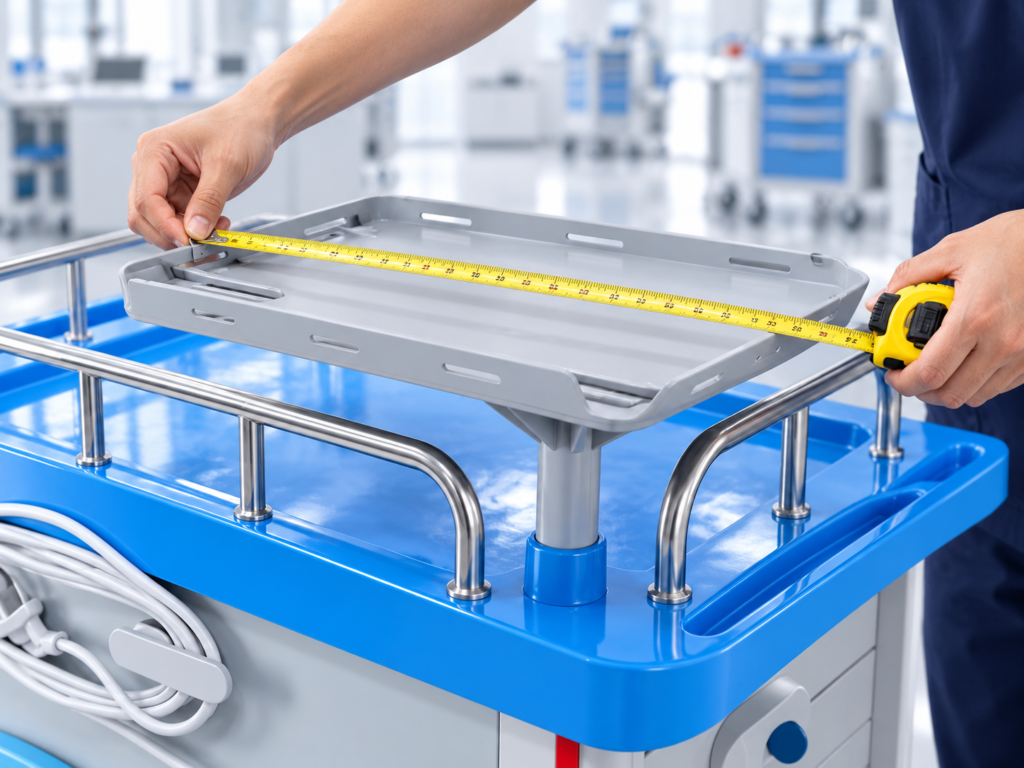
A requested size does not prove that a design can be made.
First, ask whether an existing model meets the need. Selecting another model is different from changing the structure of one already chosen.
Changes to molded ABS parts may require different tooling. Metal designs also have limits linked to the frame, joints, and production methods.
The supplier must review the exact model and request. Neither “ABS” nor “metal” alone tells the buyer what can be changed.
A change to the outer size can affect drawer space, mounts, weight, and balance. For example, making a cart taller does not automatically make its drawers deeper.
For measurement basics, see our Crash Cart Dimensions guide.
For changes to molded parts, a prototype may help check the design. Protolabs describes prototype tooling for checking injection-molded part designs. This is a general manufacturing approach. The cart supplier must confirm what the specific project needs.
If a material or finish changes, ask whether the cleaning and care instructions also need to change.
How Should an OEM Crash Cart Order Be Confirmed?
Use a clear process before bulk production.
1. Select the Base Model
Identify the model closest to the project’s needs. List the requested changes separately from its standard features.
2. Send the Required Details
Provide logo files, color references, device details, and drawings where needed. Mark any requirement that is still undecided.
3. Confirm What Can Be Made
Ask the supplier to review each change. Confirm the agreed scope, charges, quantity requirements, and production timing.
If new tooling is needed, agree on its cost, ownership, and future use.
4. Review the Right Evidence
Match the approval method to the change.
Artwork can confirm logo size and placement. Drawings can show dimensions and mounting positions. A sample or suitable checks may be needed to confirm fit and function.
Ask what each approval covers and what remains untested.
5. Approve the Final Specification
Keep one final document that lists:
- The base model.
- The agreed changes.
- The approved drawings and reference files.
- Included and excluded items.
- The revision number and date.

Approve this version before bulk production.
The World Health Organization advises buyers to consider technical specifications before purchasing medical devices.
Example: A buyer approves the logo artwork but has also asked for a wider top and a new device bracket. The logo approval does not confirm either structural change.
Those requests need their own review and approval. The final specification should bring all agreed details together.
How Should Buyers Handle Changes and Repeat Orders?
Changes can arise after a quote or sample has been approved.
Record each change in writing. Include agreed details from emails and chat messages in the final specification. Do not leave them scattered across separate conversations.
If the scope changes, reconfirm the price and timing. Update the revision number so both sides know which version applies.
Buyers should also agree on how proposed part substitutions will be handled. A different caster, lock, or slide may affect fit, function, or future repairs.
For a repeat order, refer to the approved model and revision. Ask the supplier to flag any proposed changes before production.
This helps keep later orders consistent with the version the buyer approved.
Questions to Ask Before Approving a Custom Order
Before giving approval, ask:
- Which requests use existing options?
- Which need new parts, tooling, or design work?
- What files or measurements are still missing?
- What will each drawing, proof, or sample confirm?
- Which specification revision will production follow?
- How will the changes affect repeat orders and replacement parts?
These questions help turn a general request into a clear order.
Frequently Asked Questions
Does an OEM Crash Cart Require a New Design?
No. An order may use an existing model with agreed branding or options. A new structure is a separate type of work that needs review.
Confirm the scope rather than relying on the term “OEM” alone.
Can Buyers Request a Custom Cart Color?
Buyers can request a color change, but availability depends on the model, material, finish, and supplier.
Agree on the parts to be changed, the color reference, and the approval method. Confirm any effect on quantity, charges, and timing.
Can the Dimensions of an ABS Crash Cart Be Changed?
This depends on the exact model. Changes to molded parts may need different tooling.
Ask whether the requirement can be met by an existing model before requesting a new structure.
Is a Sample Required Before a Custom Order?
Not always. The need depends on what is being changed and what must be verified.
A digital proof may confirm logo placement, but not adhesion or wear resistance. Structural changes may need a prototype and suitable checks before bulk production.
Conclusion
A clear OEM crash cart order defines what will change and how each change will be confirmed.
Start with a suitable model. Send complete references. Approve the final specification and keep its revision details for future orders.
To discuss a proposed configuration, review the Airomay crash cart range and send the preferred model, quantity, destination, and requested changes to sales@airomay.com. Available options should be confirmed for the selected model.