Crash Cart Management: Closing Gaps in Hospital Readiness
Crash cart management includes clear roles, restocking, service, and current records. It also means checking that reported problems have been resolved. Finding a problem is only the first step. Staff need to know who will act, what is still pending, and who will check the result.
For a basic overview, see What Is a Crash Cart?.
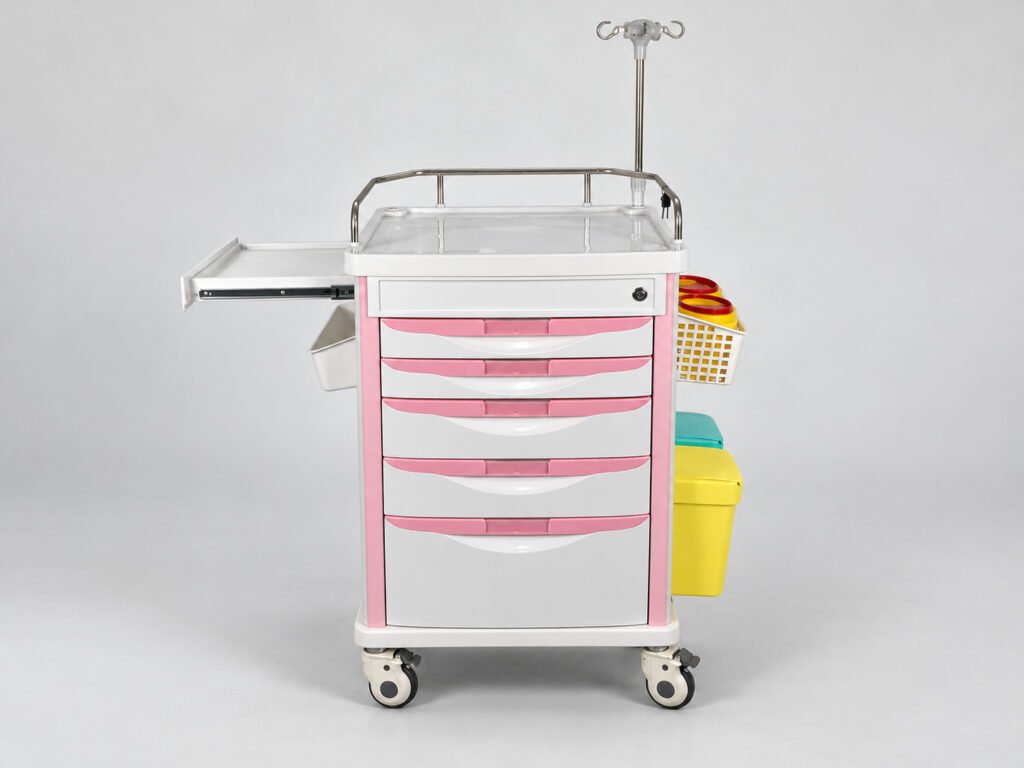
Who Is Responsible for Crash Cart Management?
Several teams may share the work. One may check the cart, while another handles medicines or supplies. Cleaning and maintenance staff may have separate tasks. The facility should name who checks the final result and confirms readiness.
These roles depend on local policy and the equipment involved. One person does not have to perform every task. But each task needs a clear owner.
The hospital should define:
- Who performs each task.
- Who takes over when that person is unavailable.
- Who receives reports of problems.
- Who follows up if work remains unfinished.
- Who confirms that the required checks are complete.
Use team names and contact details where helpful. A person’s name alone may not be enough when shifts change.
Staff should know how to reach the next team. Sending a message to the wrong contact can leave a task waiting, even when the problem has been recorded.
Resuscitation Council UK guidance recommends a reliable system for equipment checks and replacement. It leaves checking frequency to local decisions and calls for following manufacturer instructions. This is UK guidance, not a global rule.
Joint Commission Quick Safety Issue 32 also advises defining checking and restocking roles and sharing the process with staff. This publication offers safety advice; it is not a standard.
For the inspection tasks themselves, see the crash cart checklist.
How Should Restocking and Handover Be Confirmed?
A restocking request is not the same as a completed restock. Someone must receive the request, carry out the work, and record the result.
This matters when work moves between shifts or departments. A handover transfers pending work from one person or team to another. It should make the next step clear.
A useful handover record includes:
- The cart ID and location.
- What is missing or needs attention.
- The team that has accepted the task.
- What remains to be done.
- Any approved coverage arrangement.
- When the next review is due under local policy.
Use plain status terms, such as “requested,” “accepted,” “in progress,” and “pending check.” Mark work as complete only when the required action and checks are finished.
For example, sending a supply request shows that the shortage has been reported. It does not show that the supplies have reached the cart. The next team needs to confirm what it received and what is still missing.
Some facilities exchange a used cart for a ready one. Others restock the same cart in place. In both cases, the process needs a clear handover and confirmation of readiness.
A 2010 Pennsylvania Patient Safety Authority advisory describes past events involving delays in post-use cart replacement. These reports show why communication between teams matters. They do not show current incident rates.
If cleaning is part of the process, include its status in the handover. For the cleaning steps, see how to clean a crash cart.
What Happens When a Crash Cart Is Out of Service?
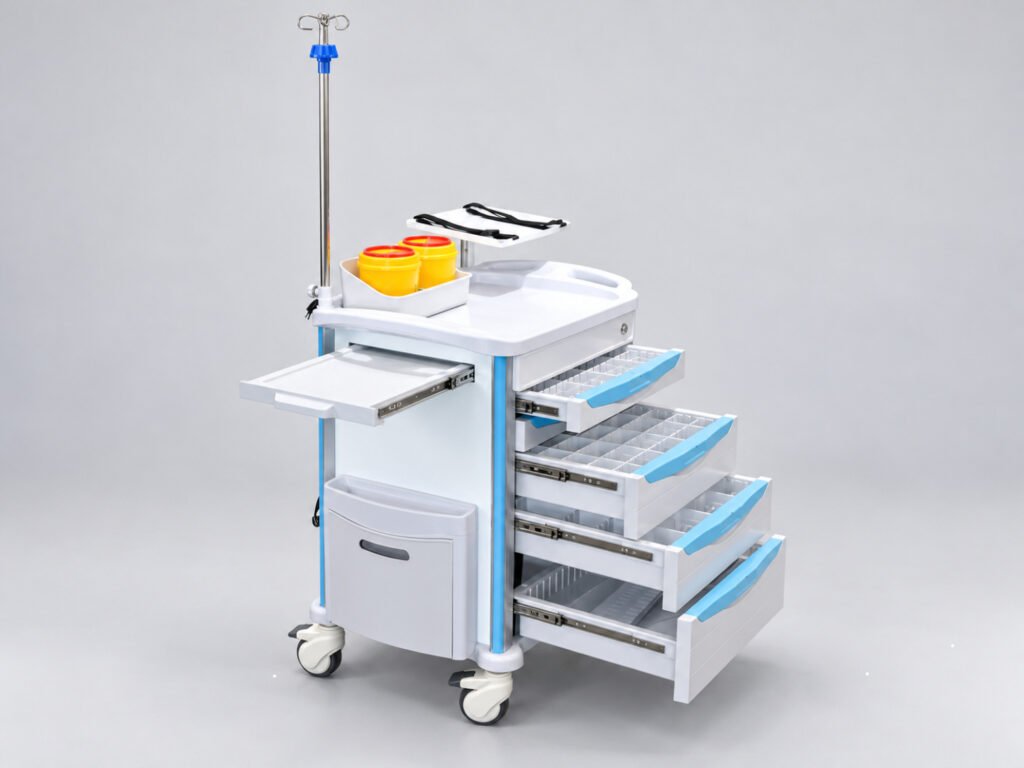
When a cart is unavailable, the facility needs an approved plan to maintain emergency readiness. This may include a ready replacement cart or another arrangement approved by the hospital.
Staff should know what is available and where to find it. A record that only says “sent for repair” leaves important questions unanswered.
Record why the cart is unavailable, who is handling the issue, and when its status will next be reviewed. Keep the cart’s ID linked to the service record.
The number of backup carts and the review timing depend on local needs. There is no single arrangement that suits every facility.
Receiving a replacement part does not mean the cart is ready. Completing assembly does not prove readiness either. The required checks must still be completed.
Airomay customers ask how to install the cart, even though an instruction manual is included with the shipment. Make sure the person doing the assembly can access that manual.
Follow the instructions for the exact model and the facility’s return-to-service process. Attached medical devices may have their own instructions and service needs.
For hardware assessment and repair decisions, see when to replace a crash cart.
How Should Cart Records and Changes Be Managed?
Give each cart a clear ID. Link that ID to the supplier model, purchased setup, accessory list, instructions, and service records.
These records identify the physical cart and its purchased accessories. The hospital’s approved supply list defines the clinical contents. Keep the two sets of information clear.
When a change is approved, update the records that depend on it. These may include the asset record, supply list, drawer labels, and staff instructions.
Record what changed, when it changed, and who approved it. This helps staff check which version applies.
A change should not remain only in an email or chat message. The people who use, restock, or service the cart need access to the relevant details.
If drawer labels or colors change, update the approved scheme and the visible labels. See crash cart color coding for the different uses of color.
Repeat purchases also need a fresh check. Airomay uses photos to review the cart, checks the accessories with the customer, and asks whether anything needs to be added.
Buyers should confirm the setup again rather than rely only on “same as last time.” The facility may now need a different accessory or an updated layout.
Photos help review the visible setup. They cannot confirm hidden specifications, material grade, or every function. Keep the agreed details in the order record.
How Can Hospitals Track Problems Until They Are Resolved?
Reporting a fault is only the first step. The issue needs an owner, a next action, and a check of the result.
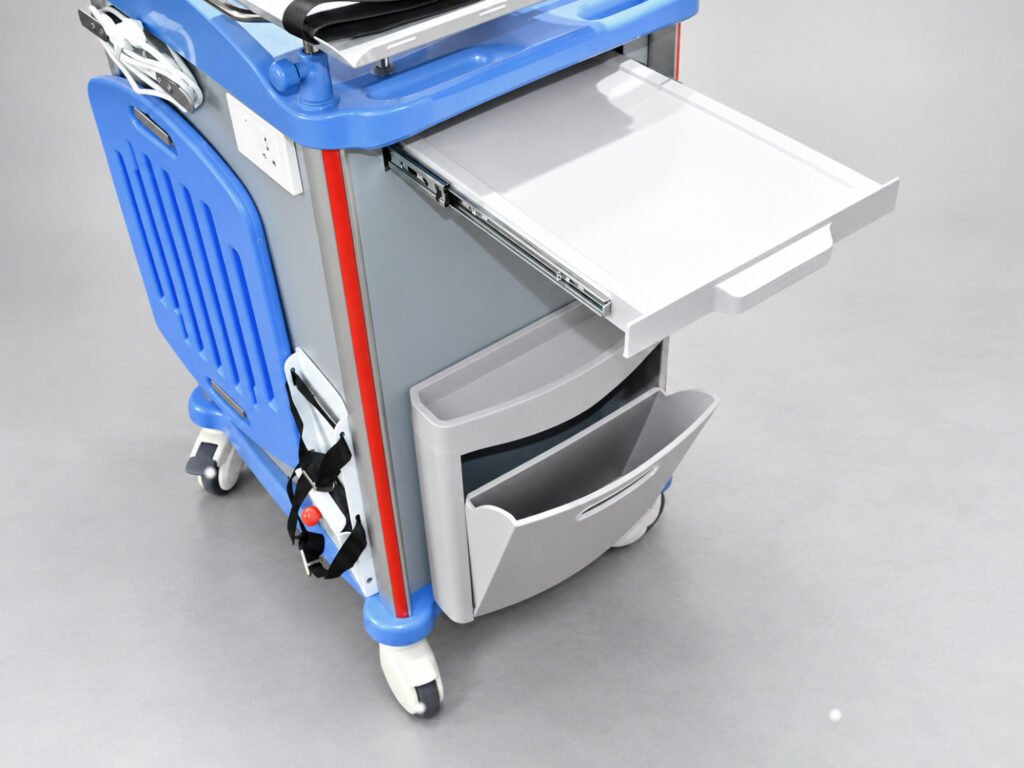
When a customer reports a damaged accessory, Airomay first asks for photos or videos. These files help explain the problem. They do not by themselves prove that the cart is safe to use.
The facility should keep the issue open until the required work and checks are complete. If the first action does not resolve the fault, record what is still pending and assign the next step.
The table below contains hypothetical examples. It is a suggested management record, not a clinical checklist or official standard. The facility assigns the responsible teams and sets the required checks.
| Cart ID / Location | Issue Found | Assigned To | Pending Action / Coverage | Completion Verified |
|---|---|---|---|---|
| CC-04 / ER | Reported accessory damage | Facility maintenance team | Assess the fault; record approved coverage if the cart is unavailable | Pending assessment and required checks |
| CC-12 / ICU | Required supplies still missing after a restock request | Assigned restocking team | Complete the approved supply list; maintain coverage under facility policy | Pending final check |
| CC-09 / OR storage | Approved accessory change is missing from the cart record | Assigned records owner | Confirm the change and update relevant records | Pending review against the approved setup |
Review open issues at the times set by the facility. Focus on what remains to be done, who has accepted the task, and what evidence is needed to confirm completion.
Repeated problems may need a wider review. For example, if handovers often stop at “request sent,” check how the receiving team accepts and closes the task.
A completed inspection is useful, but it is not the end of crash cart management. Review who handles unresolved work, how tasks move between teams, and how the final result is checked.
Buyers can send the cart model, photos, and required setup to sales@airomay.com to discuss available cart options.